Xenmark
Deployment
Overview
About Xenmark
Xenmark helps engineering, construction and project teams review technical drawings in the browser.
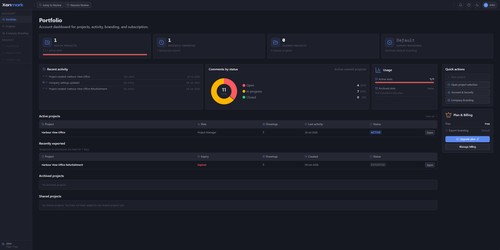
Upload a PDF drawing, invite the people who need to comment, and collect their feedback pinned to the exact location on the sheet instead of scattered across email threads. Each comment has a status and a reply thread, so review discussions stay organised across revisions.
Reviewers work in a browser. They install nothing, need no CAD licence, and can review drawings without receiving the source DWG - useful when the drawing belongs to an engineering office and the people who need to comment are at the client, on site, or elsewhere in the project team.
Xenmark keeps revisions in order and warns you when you open one that has been superseded. Measurements can be taken against a calibrated page scale, so lengths and areas come from the drawing rather than a guess.
Finished reviews export as a marked-up comment plan PDF and an Excel comment register.
At a glance
Software information
Industries served, licensing and the support Xenmark provides.
Industries
- Construction
- Architecture-planning
- Civil-engineering
- Shipbuilding
- Mechanical-or-industrial-engineering
- Oil-energy
Licensing
- Proprietary
- Monthly Payment
- Free version
Support
- 24x7 Support
Training
- Documentation
Capabilities
Xenmark features
The full feature set, grouped by module.
Plans
Xenmark pricing
- 1 active project
- Up to 5 project members
- 3 drawings per project. 3 revisions per drawing
- 3 active projects
- Up to 10 project members per project
- 5 drawings per project. 5 revisions per drawing
- custom-branded PDF and Excel exports
- 15 active projects
- Up to 30 project members per project
- 20 drawings per project . 20 revisions per drawing
- custom-branded PDF and Excel exports
Works with
Integrations
Xenmark connects with the tools your team already uses.
Media
Screenshots & video