

useCadence

5.0 (1 Review)|Write a Review|Claimed profile
United States HQFounded 2025

Deployment

Overview

About useCadence

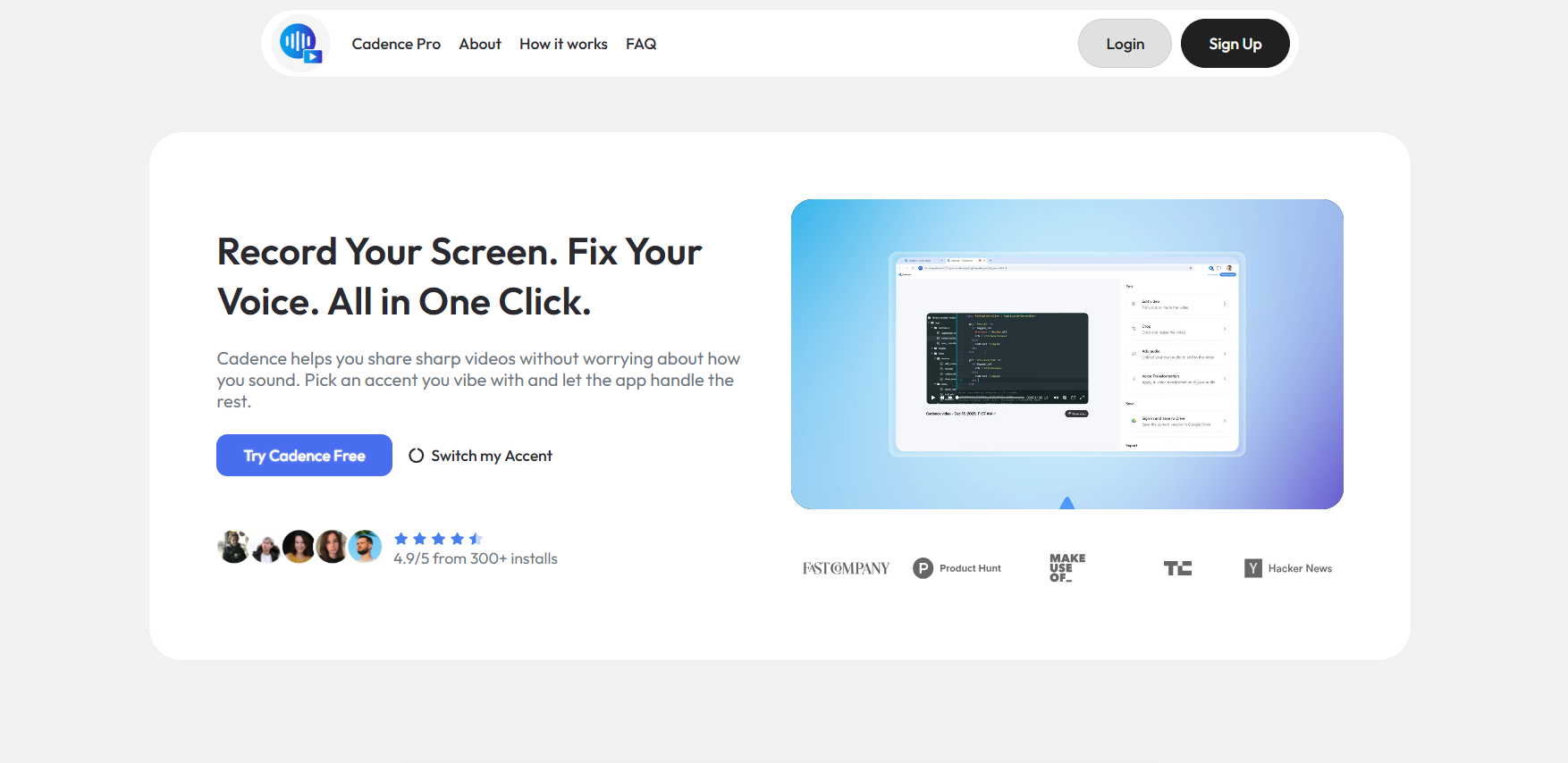
Cadence is a screen recording platform with AI voice and accent transformation for professionals who want polished videos without re-recording or expensive gear. Record normally, then the AI rebuilds your audio with a cleaner global sound, preserving your natural pace, emotion, and message while removing background noise and mic distortion. Features: screen and camera capture, on-screen markup, sensitive info blurring, cursor highlights, AI accent swap in multiple global profiles, language translation into 25+ languages, 100GB Pro cloud storage, shareable links, keyframe zoom, captions, and layout tools.

Rated 4.9/5 from 300+ installs, featured in Fast Company, TechCrunch, and MakeUseOf.

At a glance

Software information

Industries served, licensing and the support useCadence provides.

Industries

  • Computer-software
  • Information-technology-services

Licensing

  • Proprietary
  • Monthly Payment
  • Annual Subscription
  • Free trial

Support

  • Email
  • Live Chat
  • 24x7 Support

Training

  • Documentation
Languages (1)
English

Review analytics

What customers report

5.0
Based on 1 verified review
1 posted recently
Ease of use5.0
Features & functionality5.0
Customer support4.0

What users like the most

  • Everything was super simple since the setup and the free version is actually good enough for my needs.

What users like the least

  • It would be nice that it had some additional voice options, but it's not bad as it is.

What users say

Review Analytics of useCadence

Every review is verified through Goodfirms before it's published.

5.01 Verified Review
Ease of use5.0
Features & functionality5.0
Customer support4.0
Review Summary
Drawn from 1 verified reviews
Everything was super simple since the setup and the free version is actually good enough for my needs.
Detailed Reviews of useCadence
Sort ByWrite a Review
Carlos Alfredo Dávila Aguilar, Business Development Manager at InflowlabsVerified Review
Posted on Apr 27, 2026

“A practical tool to solve screencasts perfectionism”

Overall rating5.0
Ease of use5.0
Features & functionality5.0
Customer support4.0
I found it as a great tool to share instructions and to explain how to do things with my colleagues from work. I work at an international company with an international team, so having the voice fixing feature is definitely helpful to make my message come across in a more understandable way.
Capabilities

useCadence features

The full feature set, grouped by module.

Screen Recording Software

  • Area Selection
  • Recording Timer
  • Video Capture
  • Video Editing
  • AI Features

Audio Editing

  • AI Features

AI Voice Generator

  • Custom Voice Creation
  • Natural-Sounding Voices
  • Voice Customization

Plans

useCadence pricing

Free Version
No
Payment Frequency
Monthly Payment, Annual Subscription
Preferred Currency
USD ($)
Free Trial
7 Days

Media

Screenshots & video