LightPDF
Deployment
Overview
About LightPDF
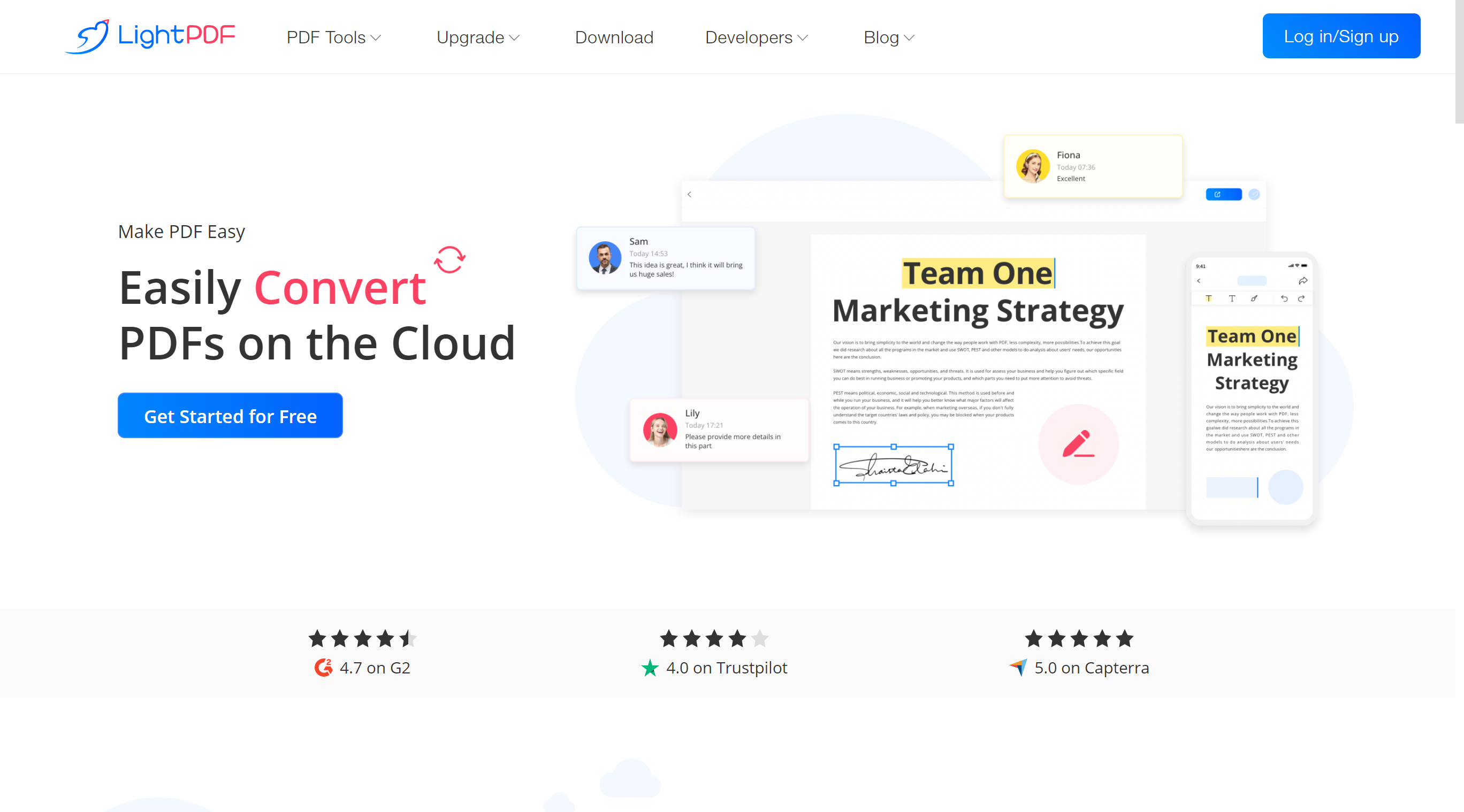
LightPDF comes with user-friendly interface, which allows students, staff members, startups or enterprise to edit PDF files by splitting, merging, rotating, signing, annotating, and compressing files. It also let users convert different format files from and to PDFs , such as Word, Excel, PPT, JPG, PNG, DWG and more.
Highlight Features of LightPDF Editor:
● Modify PDF texts, images & links
● Convert PDF to other formats and vice versa
● Batch convert, compress, split, OCR PDFs
● Create or edit fillable forms on PDF
● OCR to extract and edit scanned PDF
● Compress & merge PDF
● Insert e-signature & digital signature
● Annotate & comment PDF
● Search & Replace
● Add & remove PDF watermark
● Add, change, remove headers & footers
● Share documents via link
● Upload documents to cloud
At a glance
Software information
Industries served, licensing and the support LightPDF provides.
Industries
- Computer-software
- Education-management
- Higher-education
- Internet
Licensing
- Proprietary
- Monthly Payment
- Free trial
- Free version
Support
- Live Chat
- 24x7 Support
Training
- Documentation
Knowledge Base
Capabilities
LightPDF features
The full feature set, grouped by module.
Plans
LightPDF pricing
Media
Screenshots & video