Hypersay Slides
Deployment
Overview
About Hypersay Slides
Live Presentations - How do they work? Slides are great but not enough. Use Hypersay Slides to engage your audience by sharing your slides through a QR code, add interactions such as live polls and gather feedback at the end. All in one screen. Step 1: Upload your slides
Start by uploading your slides: PDFs, PowerPoints and Google Slides are accepted. For best consistency, we recommend exporting your slides first to PDF. Once you upload your file, Hypersay Slides will analyse the slides, convert them to high-resolution images and optimise them for delivery to your attendees's devices and large screens.
Step 2: Add interaction
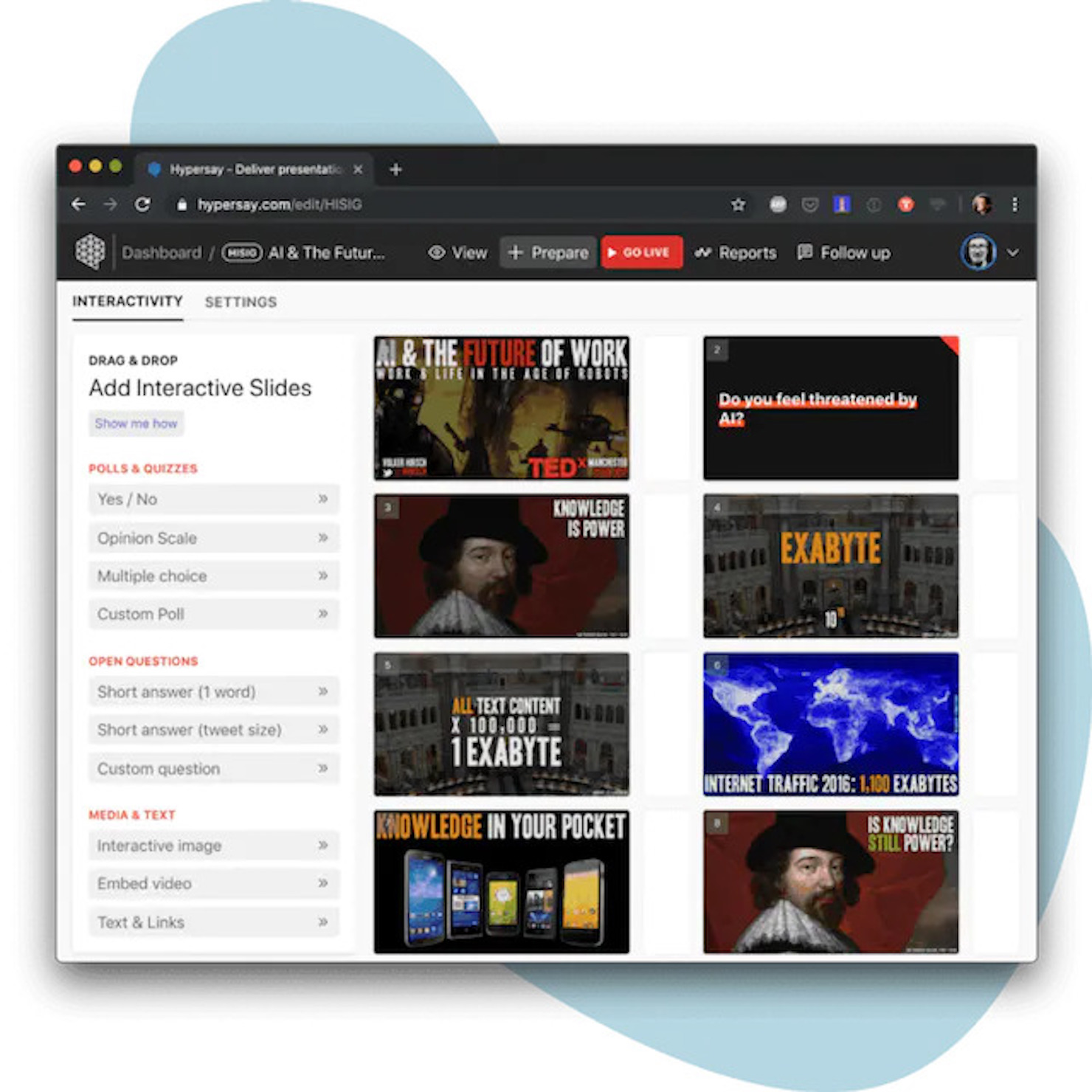
Once you’ve uploaded your slides, you are ready to start adding interactions. We provide templates from simple yes/no polls to complex opinion (Likert) scales to suit all your enquiring needs. Diversify by using open-ended questions, interactive images and other quirky ways to capture your audience’s attention. Step 3: Go live! Step 4: How did it go? See analytics
At a glance
Software information
Industries served, licensing and the support Hypersay Slides provides.
Industries
- Capital-markets
- Education-management
- E-learning
Licensing
- Proprietary
- Monthly Payment
- Free trial
- Free version
Support
- Live Chat
- Phone
- 24x7 Support
Training
- Webinar
- Documentation
Capabilities
Hypersay Slides features
The full feature set, grouped by module.
Plans
Hypersay Slides pricing
Media
Screenshots & video