



Freepik
Deployment
Overview
About Freepik
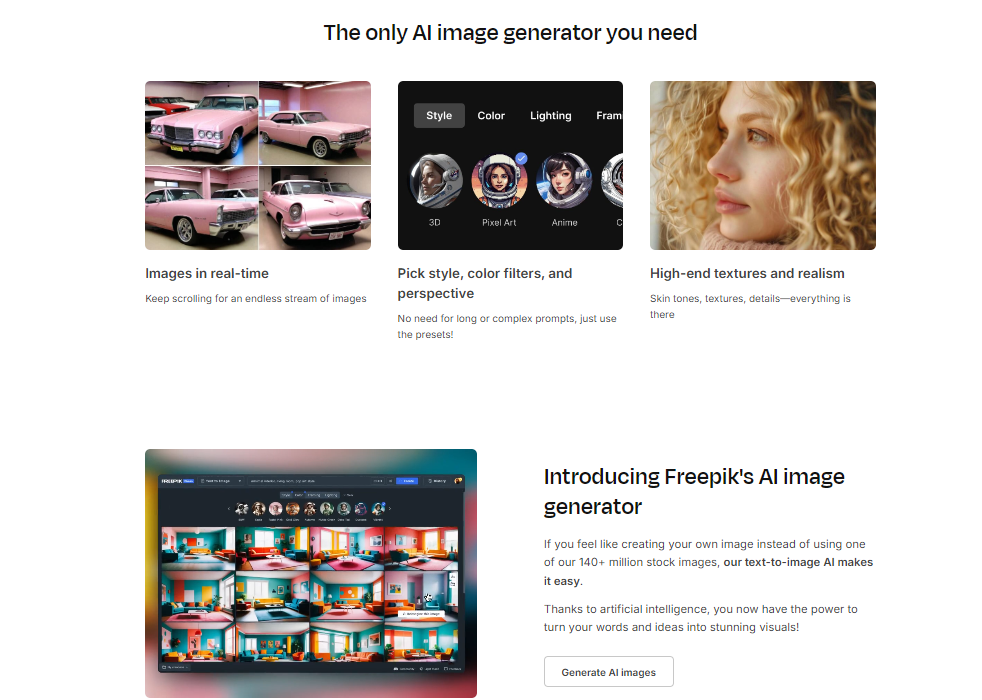
Just write down your idea in simple terms, choose a style, and use our intuitive presets of colors, framing, and lighting to craft your perfect images—all within our user-friendly interface. Our AI image generator is easy to use and extremely powerful. Use permutations by adding pipes | to your prompts. You can use them multiple times in the same prompt. For example, writing “A (woman|man) standing in a (park|library)” will generate images of a woman in a park, a man in a library, as well as every possible combination—a woman in the library, and a man in a park.
This way, you will have more resources to choose from with a single prompt.
At a glance
Software information
Industries served, licensing and the support Freepik provides.
Industries
- Information-technology-services
- Media-production
- Photography
Licensing
- Proprietary
- Monthly Payment
- Annual Subscription
- Free version
Support
- 24x7 Support
Knowledge Base
- Help Guide
- Video
- Blog
Capabilities
Freepik features
The full feature set, grouped by module.
Plans
Freepik pricing
Media
Screenshots & video
This profile is not fully claimed
Do you own or represent Freepik? Verify your business email to claim and manage this Goodfirms profile.