BoxHero Label Designer
Deployment
Overview
About BoxHero Label Designer
Everything you need for professional label design: create, customize, and print labels with powerful tools that handle everything from single prints to bulk production.
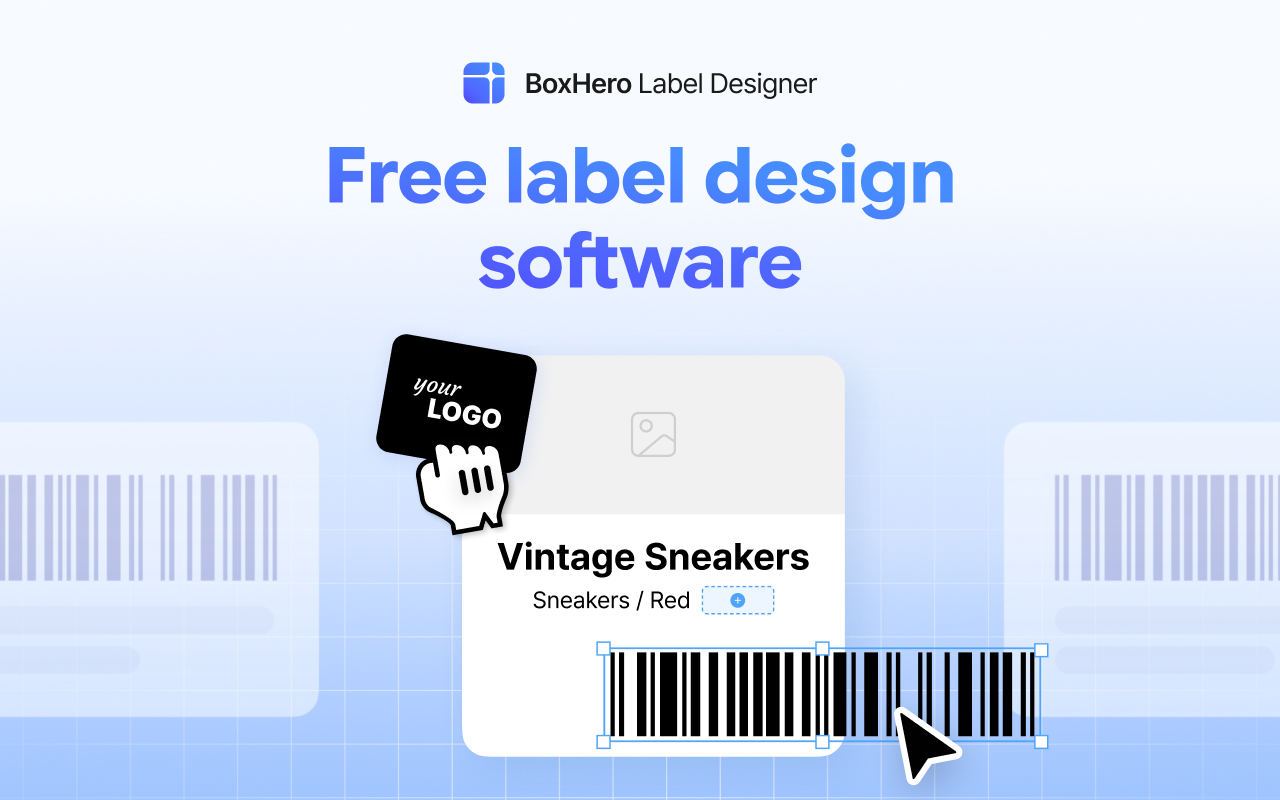
1. Design Your Label: Use the visual editor to add barcodes (EAN-13, Code 128, UPC, QR codes), text, images, and shapes. Adjust fonts, alignment, and positioning with precision.
2. Connect Your Data: Import variable data from Excel or CSV files. Perfect for bulk printing with fixed layouts and changing content.
3. Plug and Print: Plug in your printer via USB and hit print. BoxHero auto-detects your printer brand and selects the right command language. No manual configuration needed.
BoxHero Label Designer works with thermal printers, desktop printers, laser printers, and inkjet printers. Start printing labels the easy way.
At a glance
Software information
Industries served, licensing and the support BoxHero Label Designer provides.
Industries
- Automotive
- Building-materials
- Business-supplies-equipment
- Construction
- Consumer-goods
- Cosmetics
Licensing
- Proprietary
Support
- 24x7 Support
Capabilities
BoxHero Label Designer features
The full feature set, grouped by module.
Plans
BoxHero Label Designer pricing
Media
Screenshots & video