AnyRec Screen Recorder
Deployment
Overview
About AnyRec Screen Recorder
AnyRec Screen Recorder keeps updating and adding new screen recording features.
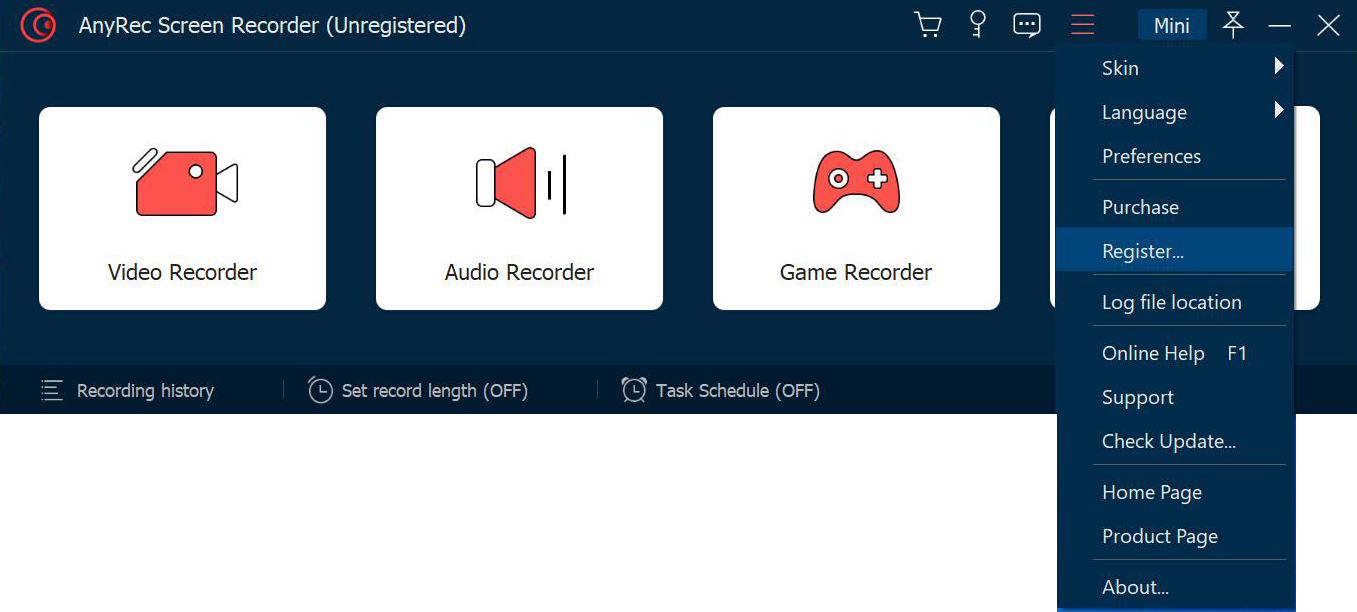
Users can run AnyRec Screen Recorder to record most desktop gameplay with a certain window. AnyRec Screen Recorder can record not only game audio but also game commentaries. The program consumes low CPU usage. So, it will not reduce the smooth game experience.
Moreover, you can use a USB cable to connect your iPhone to the computer. Later, follow the on-screen wizard to record the iPhone screen with AnyRec Screen Recorder. Users can record most phone activities losslessly. In the next update, AnyRec will add the Android phone recording support.
AnyRec Screen Recorder also provides real-time annotation tools and advanced editing tools for subscribed users. So you can edit during and after recording within the program.
At a glance
Software information
Industries served, licensing and the support AnyRec Screen Recorder provides.
Industries
- Computer-software
Licensing
- Proprietary
- Monthly Payment
- One-Time Payment
- Free trial
- Free version
Support
- 24x7 Support
Training
- Documentation
Capabilities
AnyRec Screen Recorder features
The full feature set, grouped by module.
Plans
AnyRec Screen Recorder pricing
Media
Screenshots & video